One library, two devices.
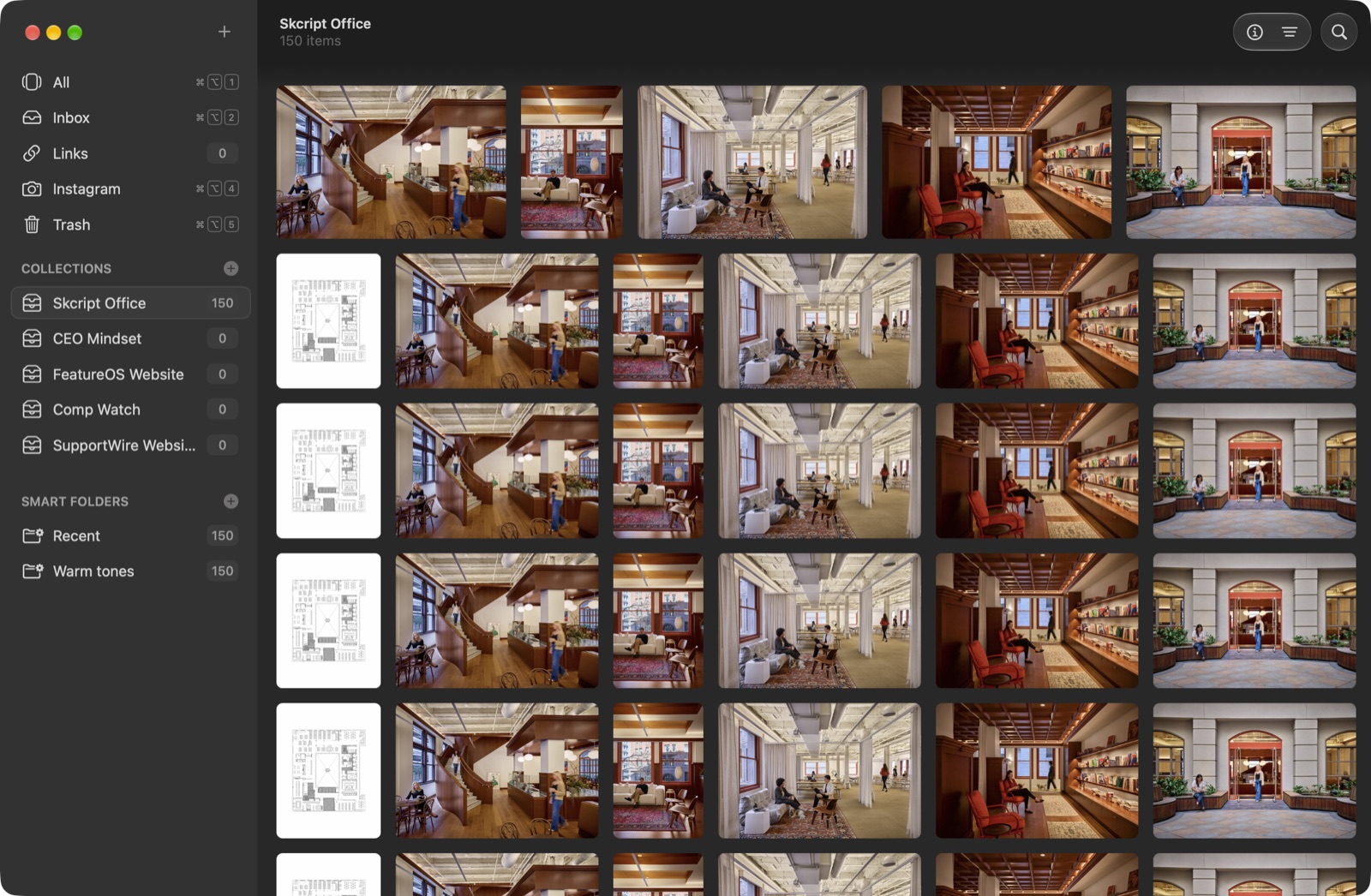
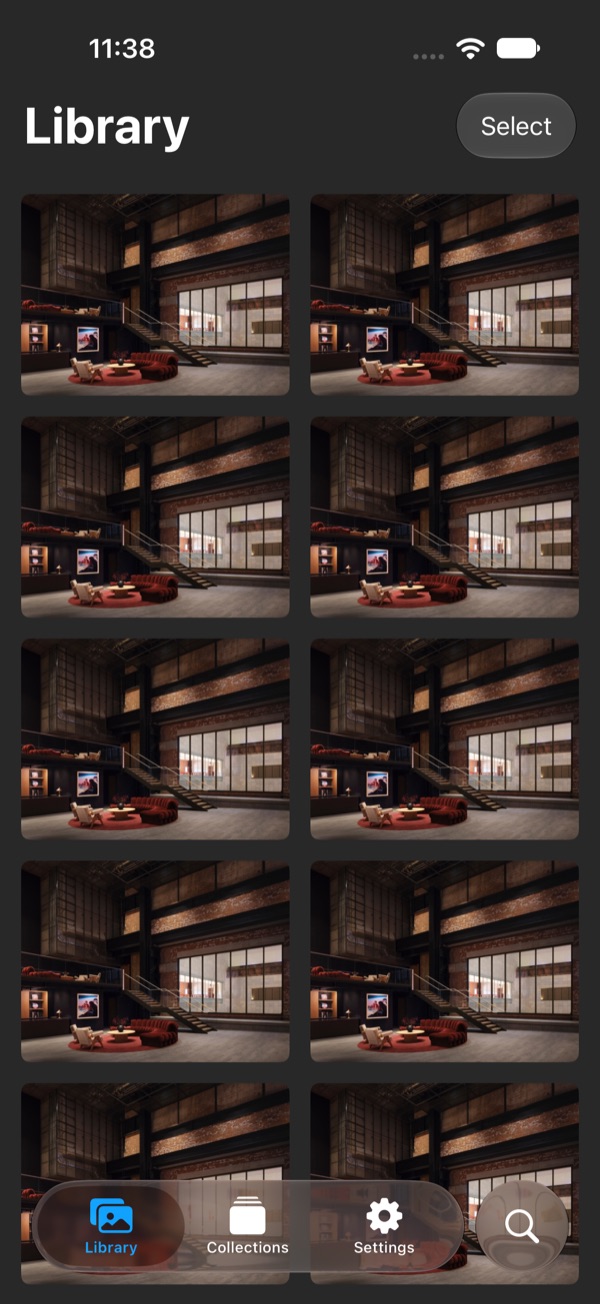
Add on your Mac, find it on your iPhone a moment later. Everything syncs through a private iCloud container, and Handoff picks up where you left off.
Made of glass.
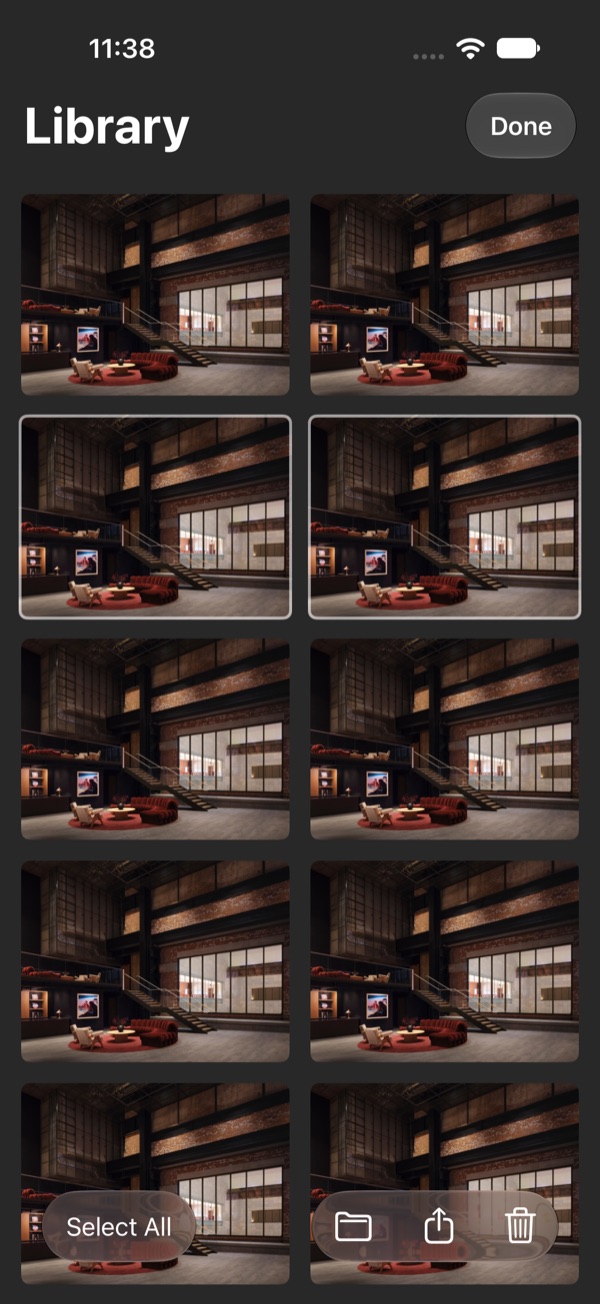
Toolbars, tab bars and controls use Liquid Glass on macOS 26 and iOS 26, so your images stay in front and the chrome steps back.
Finds what you mean.
Kosmica reads your library on device. Search in plain words, by colour, or by what something looks like.
Natural-language search
“warm interiors with a staircase” works. Powered by Apple’s on-device model.
Tags, automatically
Vision labels every image as it arrives. Edit the tags or keep them.
Colour search
Each image keeps its palette. Pick a swatch, see everything that matches.
Similar images
Open one, find its neighbours, even across collections.
Links are first-class.
Save a URL and Kosmica keeps a snapshot of the page, a summary of what it is, and how often you go back to it.
Snapshots
A full-page capture, so a link still looks like itself after the site changes.
Insights
A short on-device summary of the page, written by Apple’s Foundation Models.
Click counts
See which references you actually use.
Share a collection.
Invite people to a collection with CloudKit sharing. They add, you see it; you rename, they see it. No sign-up, no link to a website.
Yours.
Your files live in your iCloud. There is no Kosmica account and no Kosmica server. The analysis runs on your devices, and nothing leaves them unless you share it.
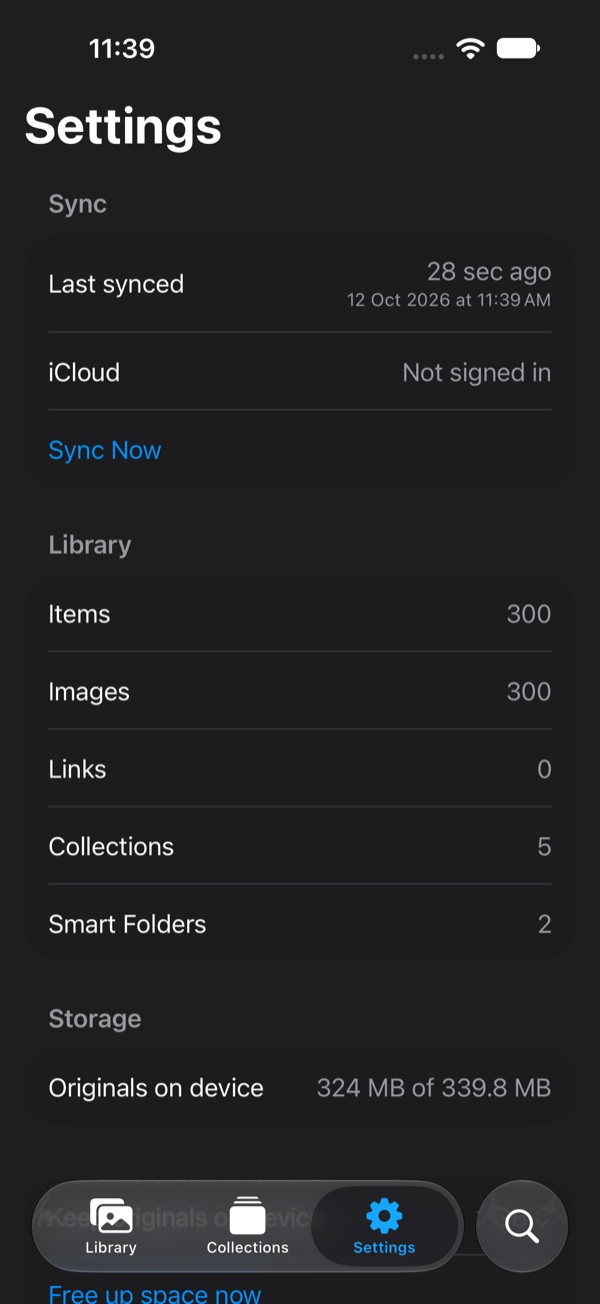
On iPhone, set a storage cap for originals and Kosmica keeps the thumbnails while iCloud holds the rest.
And the rest.
Widgets
On Mac and iPhone, plus a Control Center button.
Shortcuts & Siri
Add, search and open from any automation.
Visual Intelligence
Search your library from the camera.
Quick Look
Space bar, full size, done.
Live Text
Select and copy text inside any image.
Share extensions
“Add to Kosmica” from any app, on both platforms.
Menu bar
Drop files on it, or let it collect new screenshots.
Collections & smart folders
Group by hand or by rule.
Trash
Deletes land here first, so nothing is gone by accident.